
Finale to Dorico Masterclasses
A series to help you transition more easily
We’ll show you how to change some of the Dorico default shortcuts and options and help you feel more at home, while explaining where many of the features are that you’ll need to create your score and parts.
- Note Input Basics: including to how to change the shortcuts and note input durations to be more similar to Finale.
- Making an arrangement: adding tempo, dynamics, lyrics and more
- Layouts: making a title page and customising your score and parts
- MusicXML import & playback: importing projects quickly and successfully, and using different sound libraries for playback.
The sessions were live streamed on Wednesdays and repeated on Saturdays in the Fall of 2025 (using Dorico Pro 6), but are all available to watch below whenever you need them.
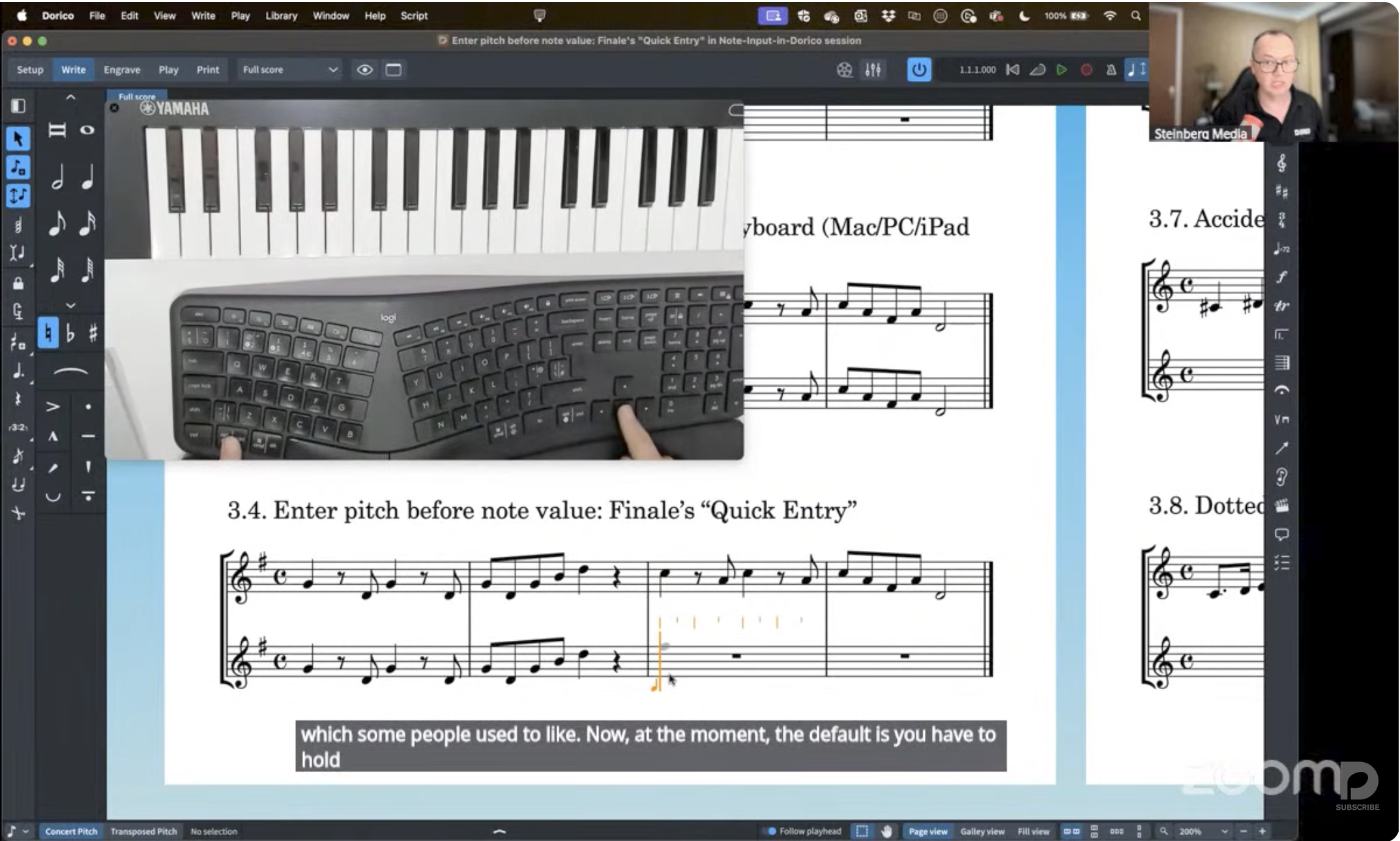
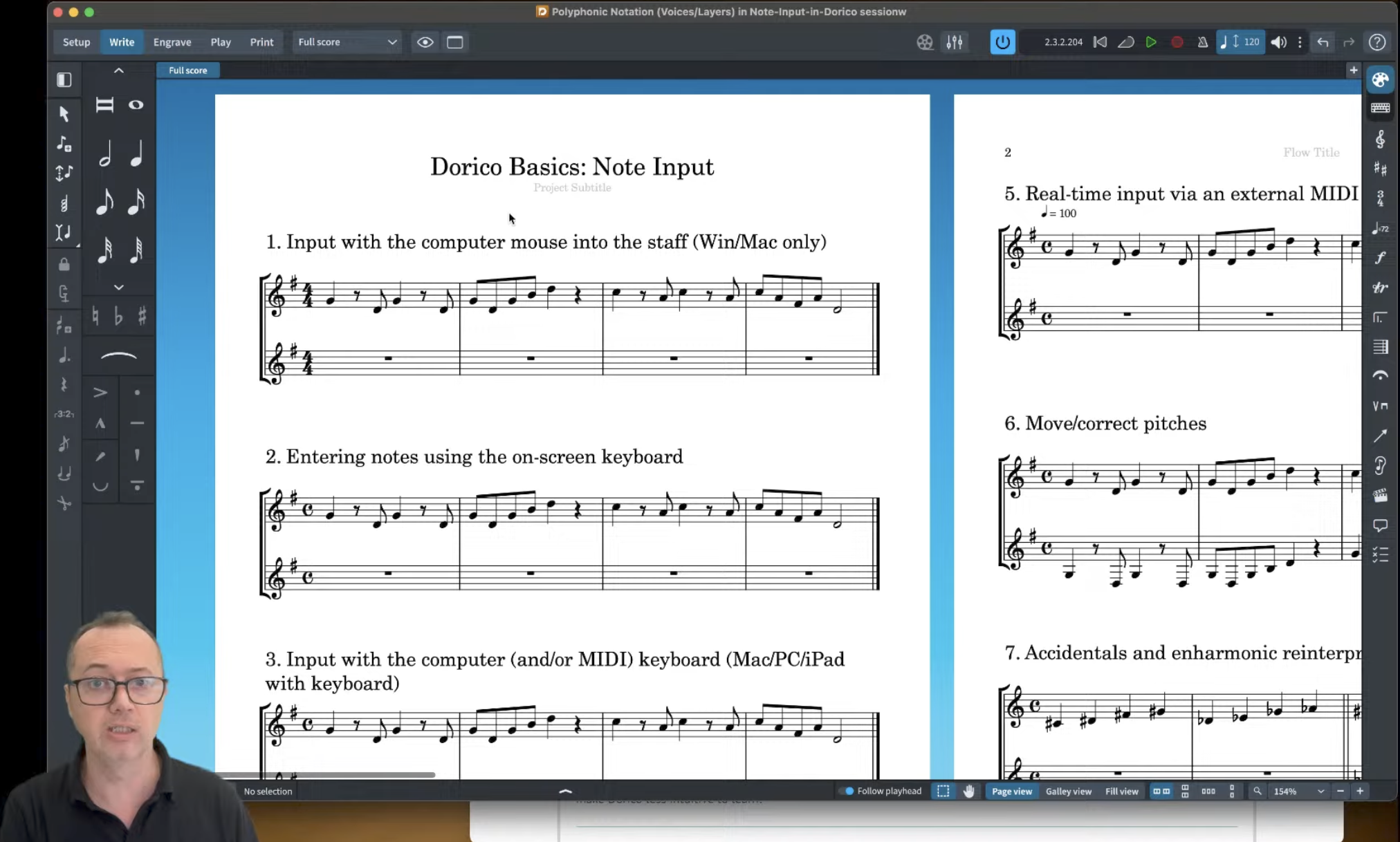
Session 1 - Note input
Downloads:
Download this Dorico file and complete each section during the session.
Take notes
This Word file contains all the shortcuts we’ll use in the session, along with space for you to make your own notes.
Changing shortcuts
Details of how to change the shortcuts to make it feel more ‘Finale-like’. Be aware that this may make Dorico less intuitive to learn!
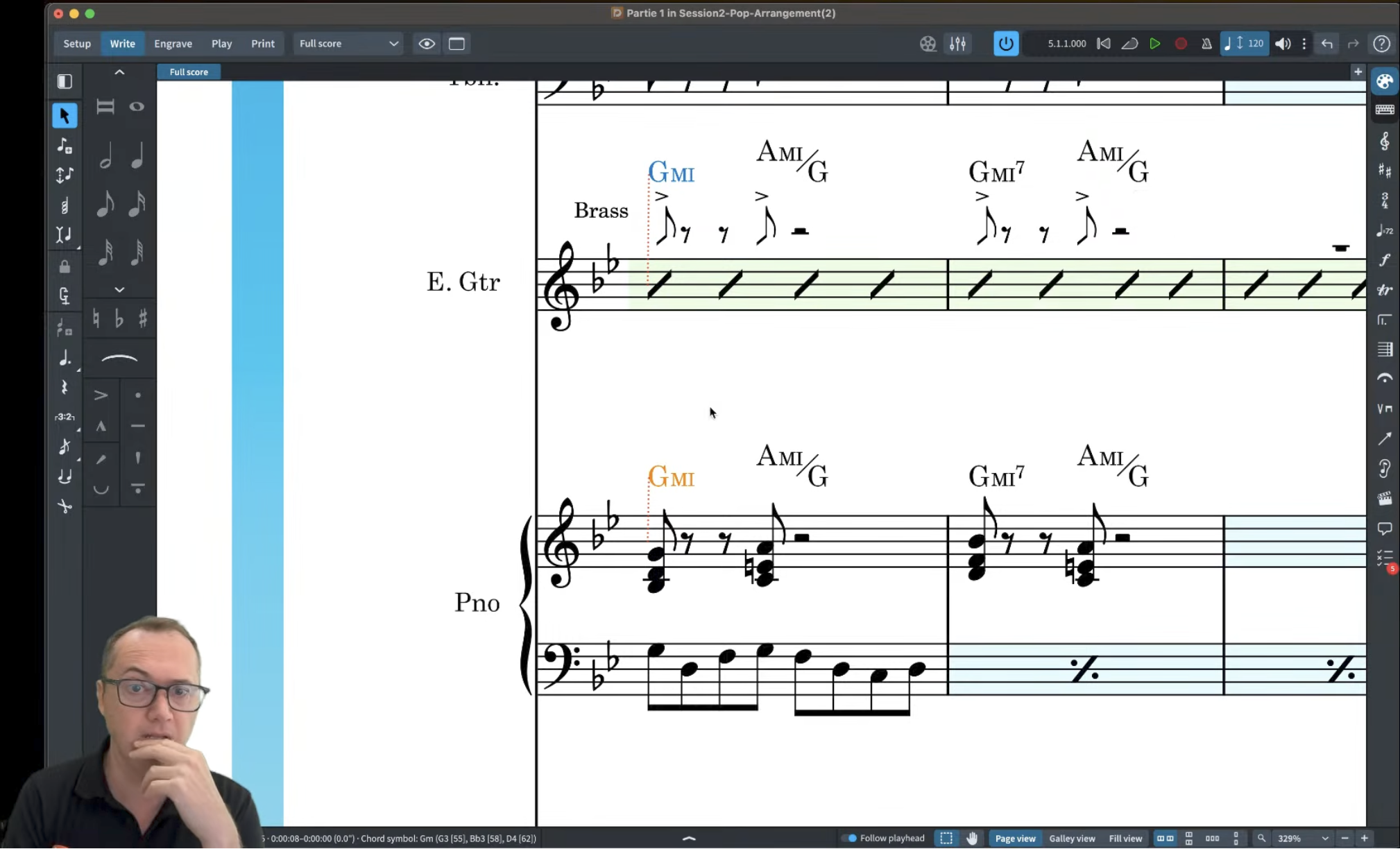
Session 2 - Making an Arrangement
Downloads:
Download these files that we’ll use during the session.
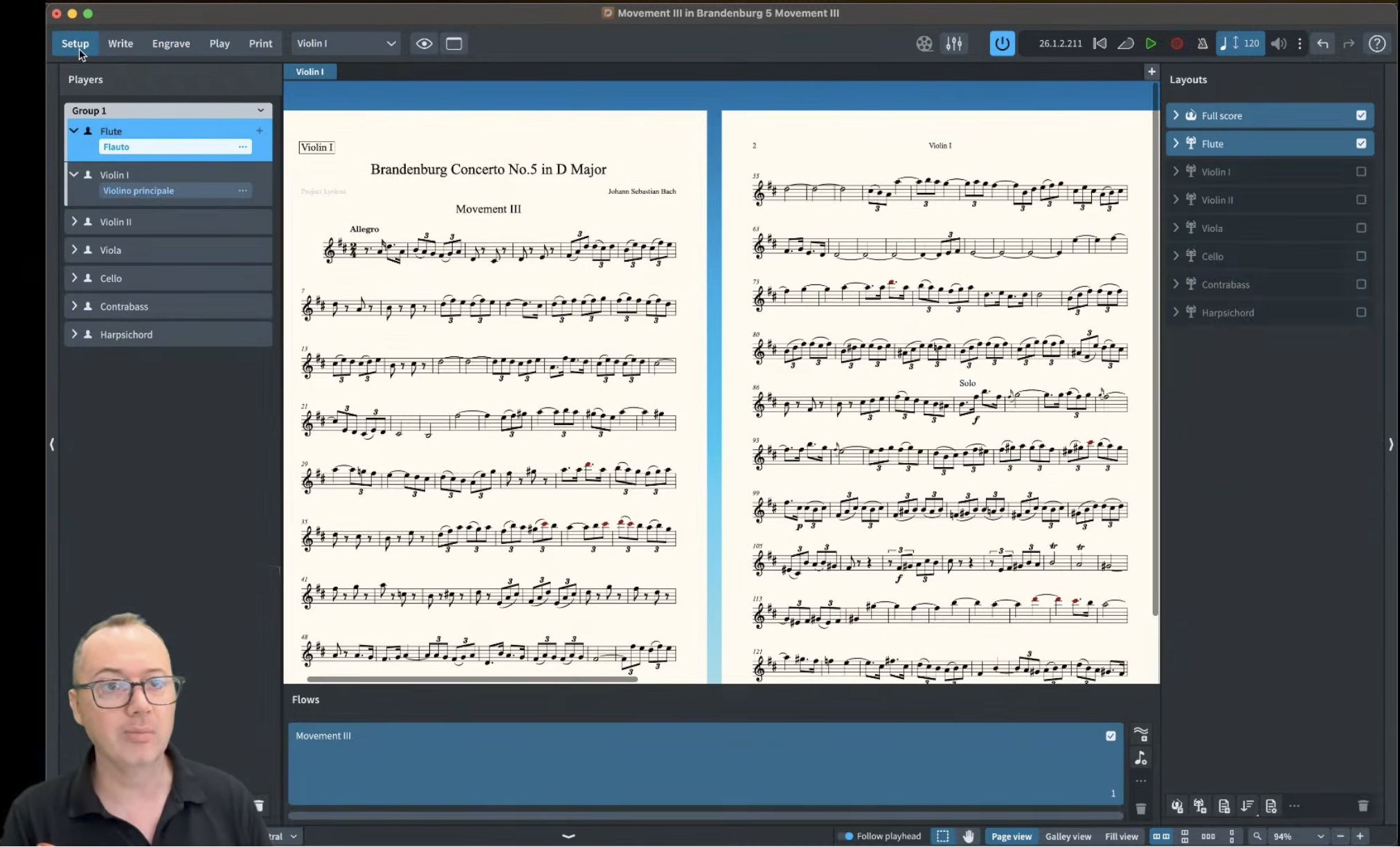
Session 3 - Layouts
Downloads:
Download this file if you want to follow along with the exact settings I’ll be using in the session.
Session 4 - XML Import & Playback
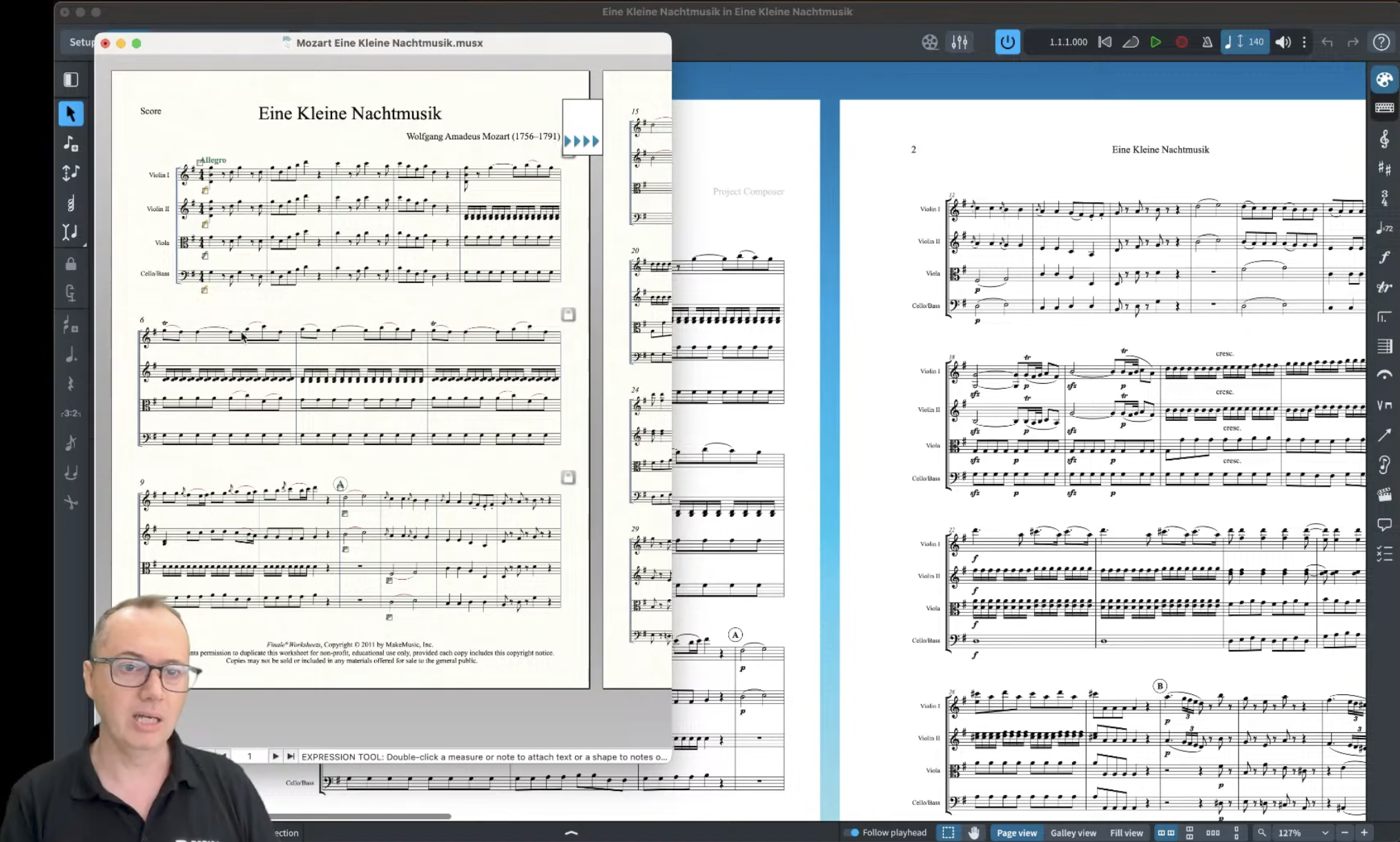
Downloads:
Download this collection of Finale demo files if you want to follow along with the same options I show in the session
Further information
- First Steps Guide – a full lesson to create and prepare a short piano piece, followed by an extract of a blues song
- Quick Reference Card – shortcut cards and ‘mouse mat’ posters
- More Resources – links to videos, templates and more
- Dorico manual – searchable online help