
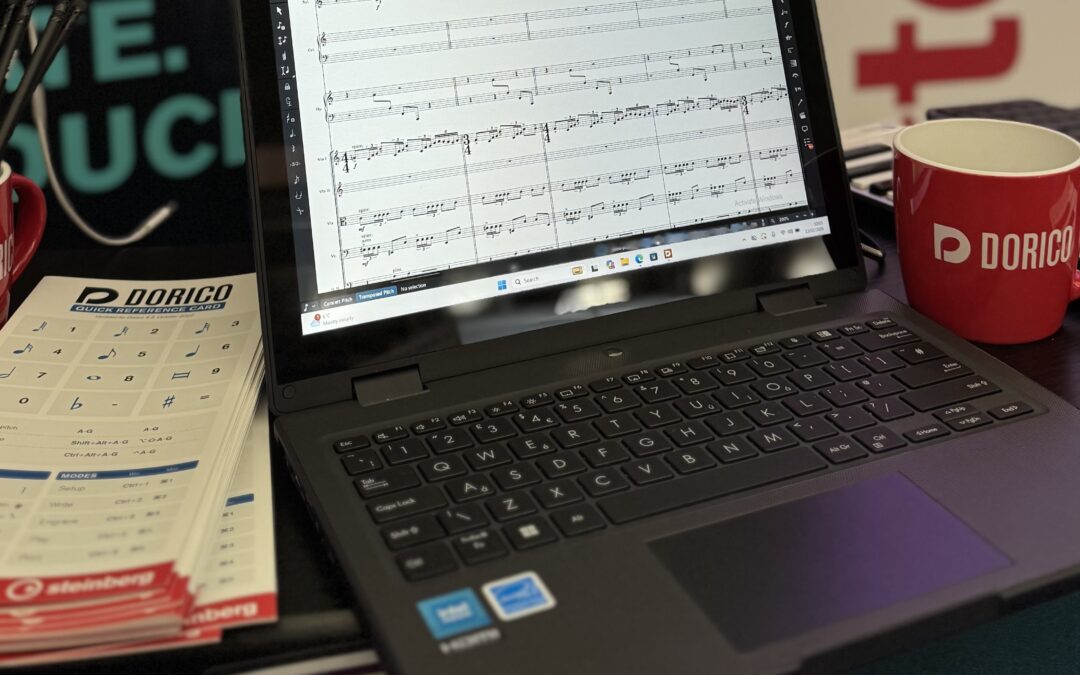
Obviously, cost is a big factor in decision-making in education. While many Windows-based laptops are available, we wanted to find out which models are commonly considered and used in education, and if they are also suitable for using our software, while remaining a cost-effective solution.
We contacted Albion Computers, and they recommended some ASUS laptops that they often supply to schools, and sent a couple of options for us to test.
Base model
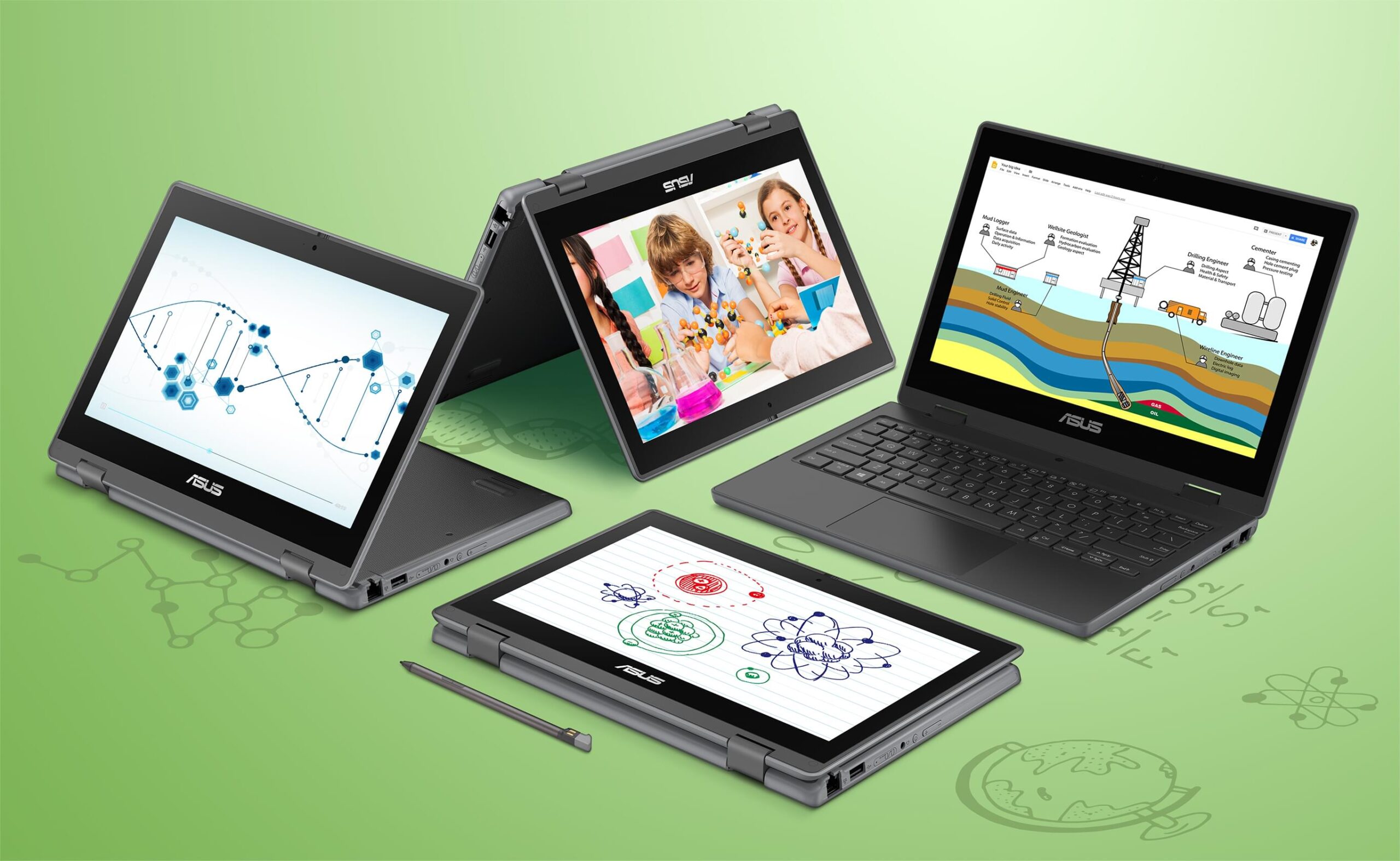
The first model we tried is the ASUS BR1100F, a ruggedly designed laptop for student use that also features a flexible hinge for 360º use and a touchscreen that you can even use in tablet mode. The base configuration supplied had 4GB of RAM and 64GB eMMC storage, with an 11.6″ screen resolution of 1366 x 768px (set to 100% scale). For connectivity and ports, it has gigabit ethernet, wifi, USB A and C that could be used to connect an audio interface or other hardware, HDMI to connect an external monitor and a combo audio jack so each student could use headphones while composing.
We installed entry-level versions of Dorico and Cubase as suitable options for students to use on their own devices, while also being aware of the storage limitations of this model. The 64GB hard drive, as supplied by ASUS with a Windows installation, had only around 12GB of space available when we first turned the laptop on. This meant some very careful monitoring of the storage space was required to install our software. Once Dorico SE and Cubase LE were installed, there was very little space left for student projects and files, never mind any future Windows or security updates.
The laptop also felt sluggish when doing many tasks due to only having 4GB RAM, which is generally regarded as the practical minimum for Windows, without running additional software. This can also give playback issues, either delays or stuttering of the instrument sounds.
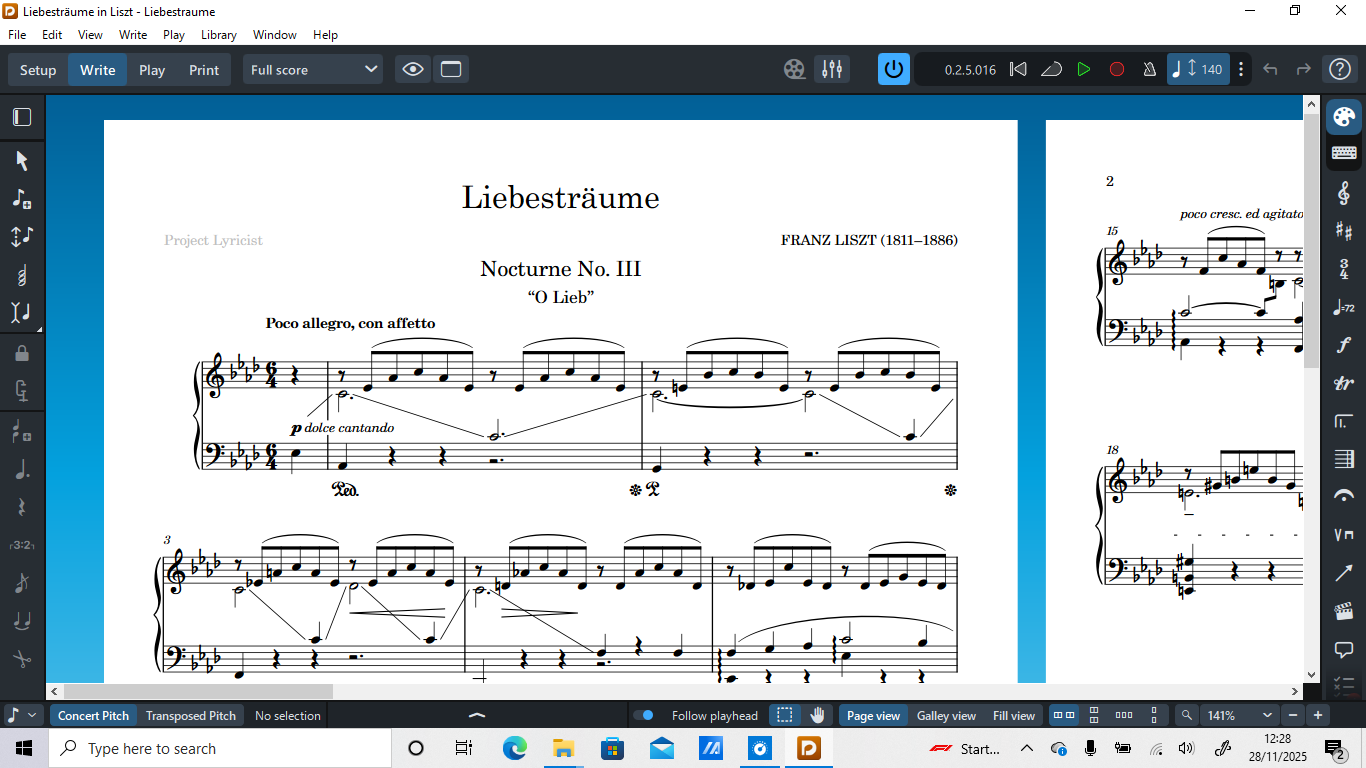
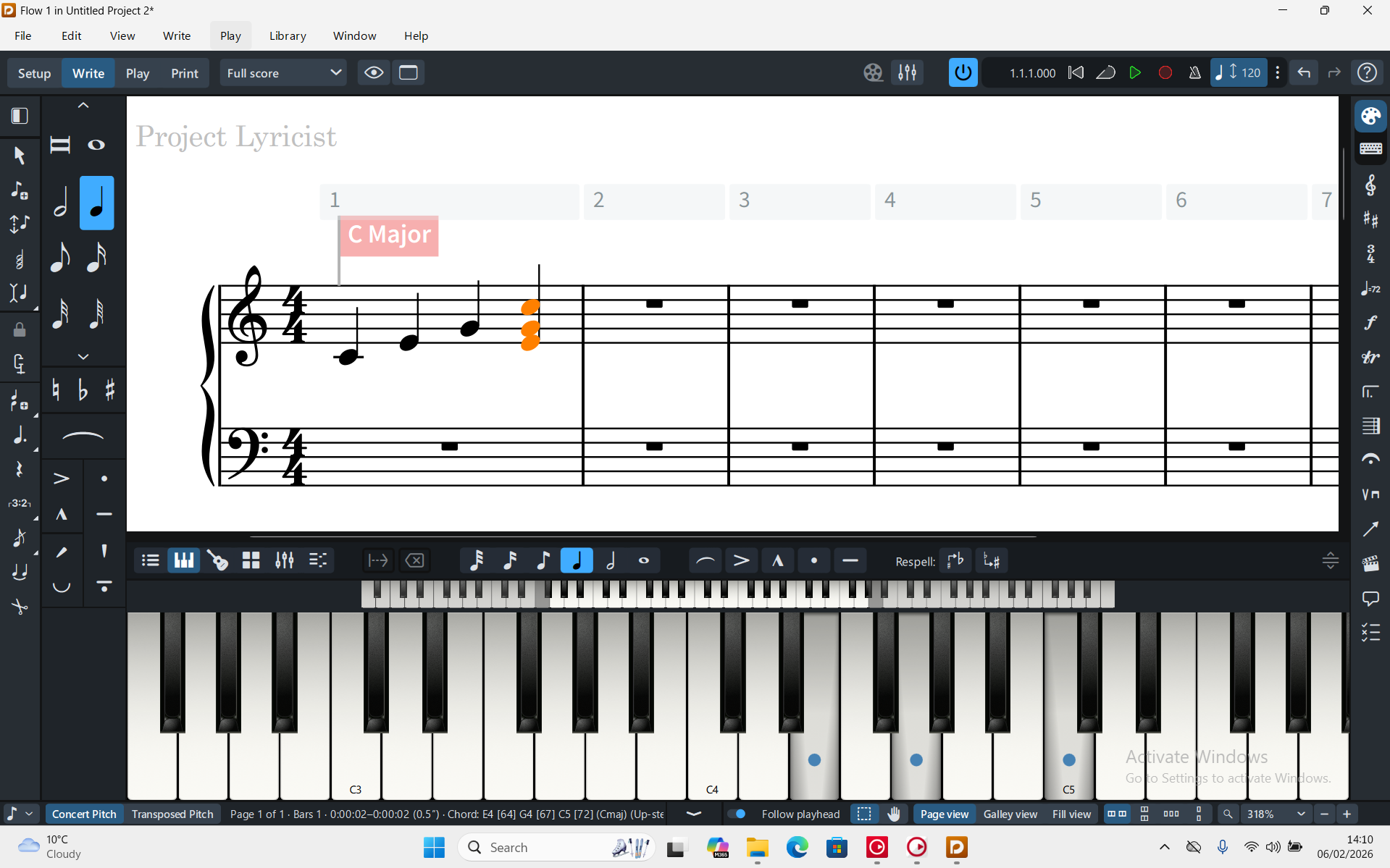
The relatively low screen resolution, with only 768 pixels vertically, means that you have to scroll or zoom in and out more often when working, and the Dorico proofreading button in the right-hand column was only just visible with the Windows Taskbar in its default mode as shown below.
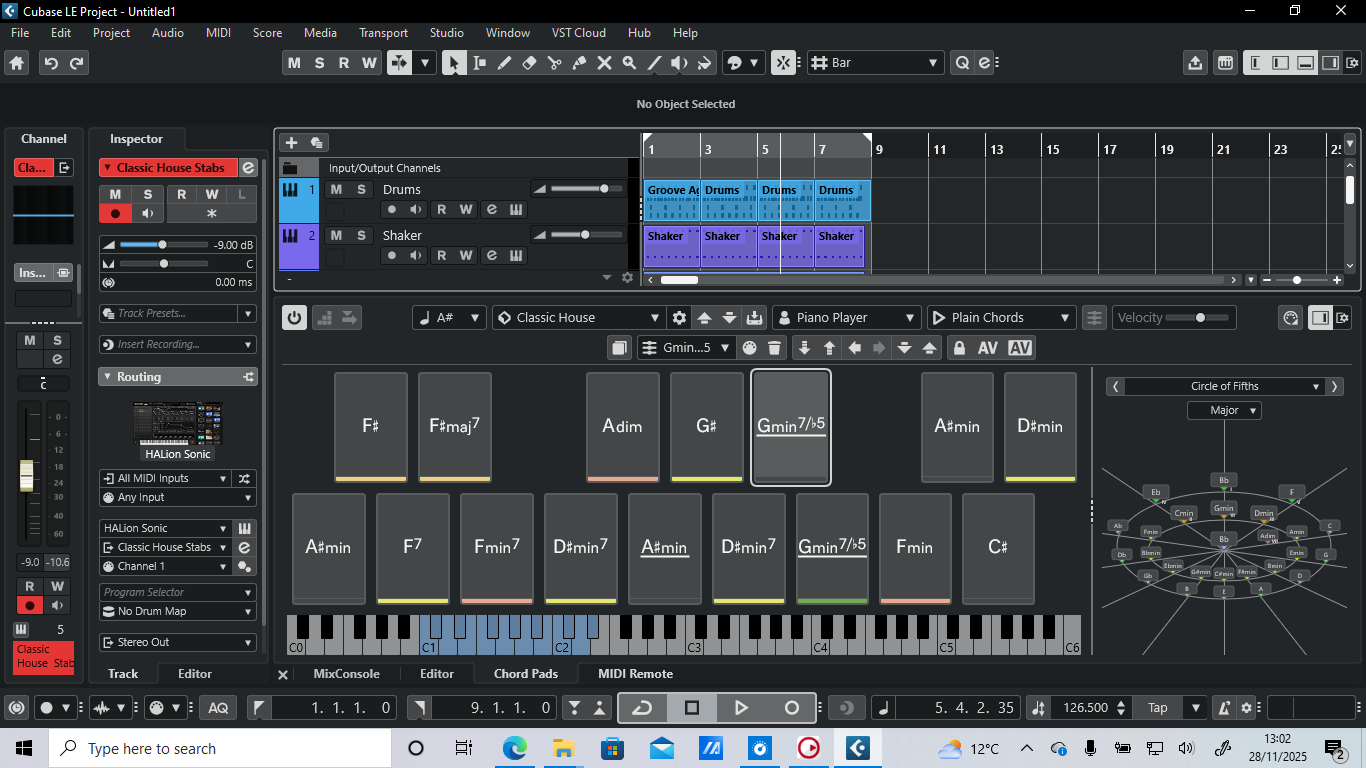
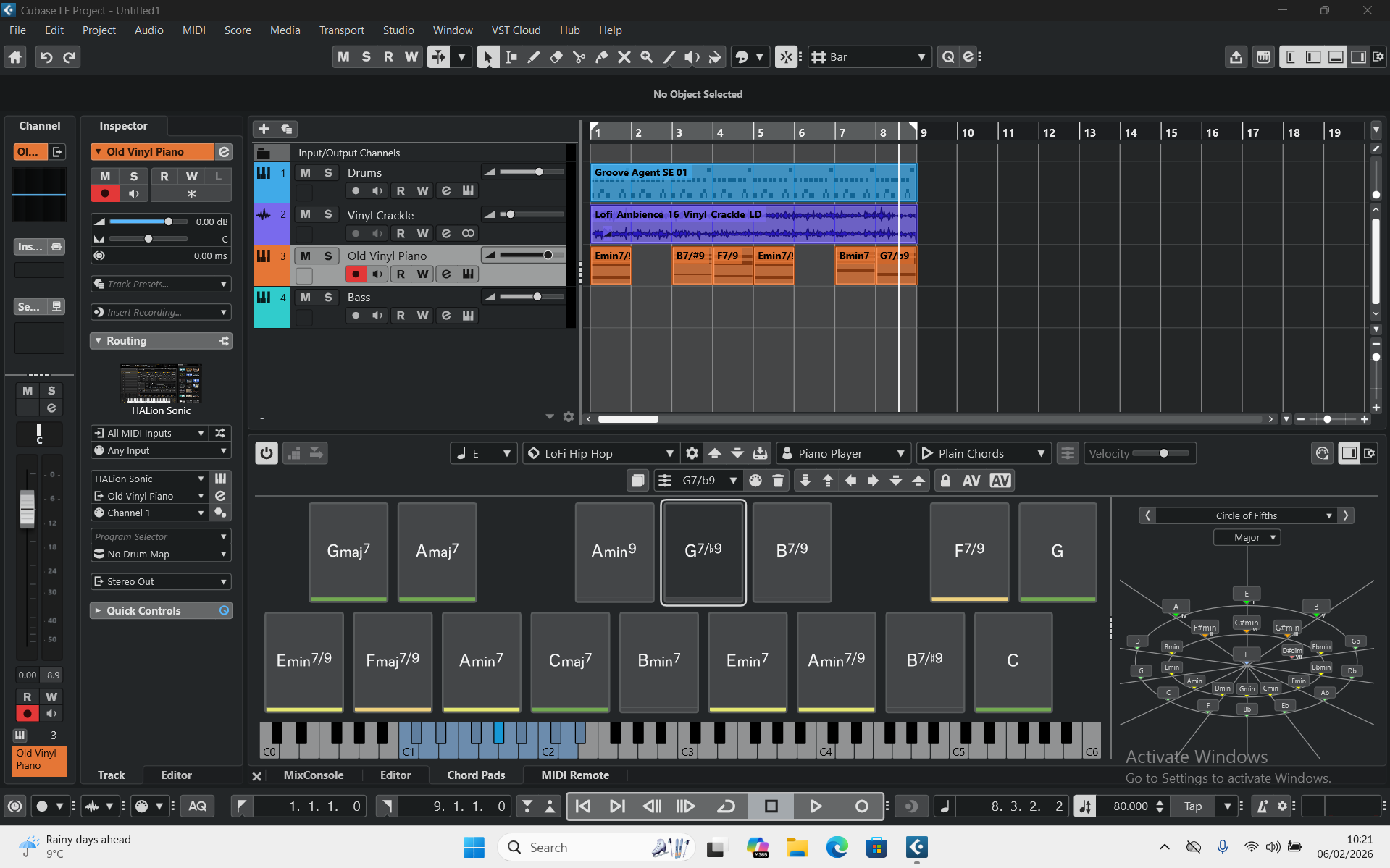
In Cubase, only a couple of tracks were visible at any one time if the lower zone was open, for example as shown below when using the chord pads.
| Jargon Explained | |
|---|---|
|
RAM (Random Access Memory) | Dorico loads the instrument sounds into RAM so that they can playback smoothly as soon as you press Play. The more RAM you have, the more instrument sounds you can load simultaneously without issues or delays. |
| Storage space | The amount of space you have to store all your data, programs and files. Was previously 'hard drive space', but is now generally a computer chip with no moving parts. Measured in GB |
| GB | Gigabytes, or 'gig'. A unit of measurement for both RAM and storage. |
| Screen resolution | Measured in px, meaning pixels. The more pixels available, the more information you'll see on the screen at the same time. Sizes such as 1920x1080 mean 1920 pixels left to right and 1080 pixels top to bottom. |
Small changes, big difference
We then turned to the next model in the lineup – the ASUS BR1204F. This is a very similar-looking, also ruggedly designed laptop with the same flexible hinge for tablet mode, but with a slightly larger 12.2″ screen, double the RAM (8GB) and storage for files (128GB).
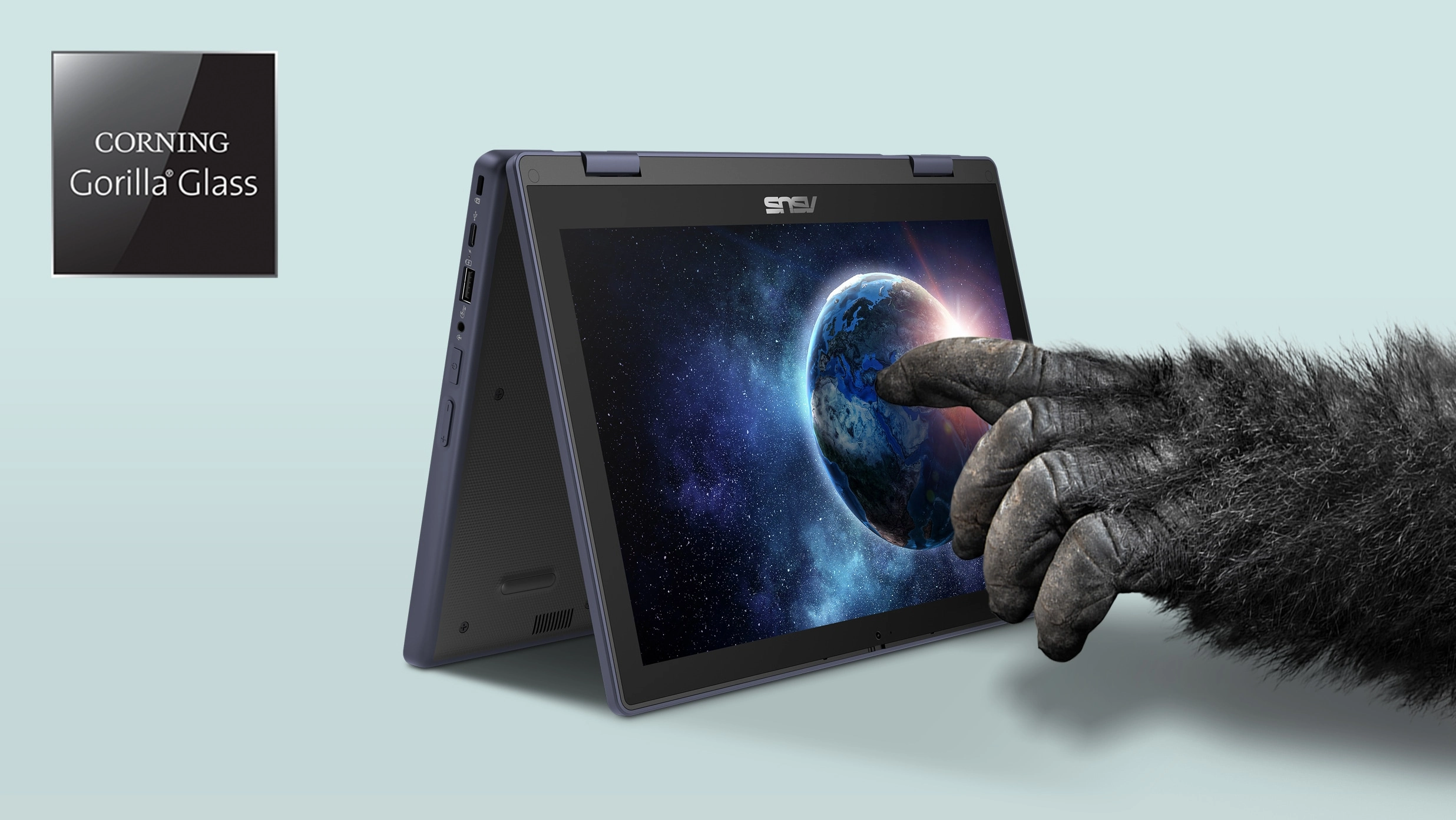
The increased storage meant that, even with Windows 11 pre-installed, just over 80GB remained available. This, plus the extra RAM, allowed Dorico SE and Cubase LE to be installed more quickly, including their included sound libraries, while still leaving ample space for student projects and future system updates.
The larger screen has a resolution of 1920 x 1200px (set to 125% scale), which provides a much bigger, better working space and overall user experience. In Dorico, more of the score was viewable without having to zoom or scroll as much, and the additional screen real estate meant that when opening the left or right panels, or using the touchscreen with Dorico’s on-screen piano keyboard in the lower zone, you could still see the notation you were working on much more easily.
In Cubase, more tracks are viewable without scrolling, with room to use the editors and options such as chord pads in the lower zone when needed.
The recommendation is…
While the BR1204F might only seem a slight upgrade in specifications, the 8GB of RAM, 128GB of storage and a 1920x1200px screen really made all the difference. The cost is still very affordable for schools or student-purchasing schemes, being roughly the same as a similar Chromebook at £305 ex vat (March, 2026).
When purchasing large numbers of laptops for school lab or 1:1 student laptop schemes it is important to make sure that the devices are capable of running the software you want to use. While tempting to opt for the lowest possible cost options, especially when the models look very similar, it is important to get the specifications right to ensure your classes run smoothly. Windows-based laptops with the right specifications don’t need to limit your software options, and can be a similar cost to a Chromebook.If you’d like to discuss laptop specifications in more detail, or get a quote for your school, please contact Elliot at Albion via the Albion Computers website.
Steinberg licensing options for schools
- Dorico SE is available for free.
- Dorico Elements and Cubase Elements are available as multiseat (5+) licenses, with prices starting from £33 per seat.
- Dorico Pro and Cubase Pro are available as multiseat (5+) licenses, with prices starting from £58 per seat when crossgrading from other software such as Sibelius or Logic, otherwise starting from £115 per seat.
(All prices GBP and inc vat)
Please visit the Steinberg education online shop for more details and prices in your local currency.
If you have Cubase Elements or Pro already in your school and would like Cubase LE for students to use on their own devices at home, please get in touch.
60-day trial
If you don’t yet have Dorico or Cubase and would like to try them for free, please download the 60-day trial versions from our website.
Getting started?
If you’re just starting out with Dorico or Cubase we have a number of options to help you begin your journey.
For Dorico, please visit our Resources section and follow the link for our excellent First Steps guide. Many other resources, templates, videos and training options are also available.
For Cubase, we recommend the Beginners’ Guide to Cubase on our YouTube channel, either for you or your students.
Deployment: Permissions
For IT administrators looking to deploy our software, please see our multiuser installation guide, which includes details about licensing and the permissions required for the installation and access of the sound content for each program.
Recording Audio?
This test was designed to find a suitable low-cost laptop for basic sequencing and composition similar to that done in many secondary schools in the UK and elsewhere (11-16yrs). We didn’t test live audio recording as most schools computers labs with 15-30 computers are not designed for live audio recording. A computer used e.g. in a school studio to record audio would need additional processing power and storage space for audio files.
Dorico 6 minimum specifications
- Dorico SE: 4GB RAM (ideally 8GB+), 6GB free storage space.
- Dorico Elements: 4GB RAM (ideally 8GB+), 6GB free storage space.
- Dorico Pro: 8GB RAM (ideally 16GB+), 16GB free storage space.
Cubase 15 minimum specifications
- Cubase LE: 8GB+ RAM, 1.5GB minimum free storage space.
- Cubase Elements: 8GB+ RAM, 84GB free storage space.
- Cubase Pro: 8GB+ RAM, 84GB free storage space.
Amount of space required depends on how much of the included content is installed.