
Workflow
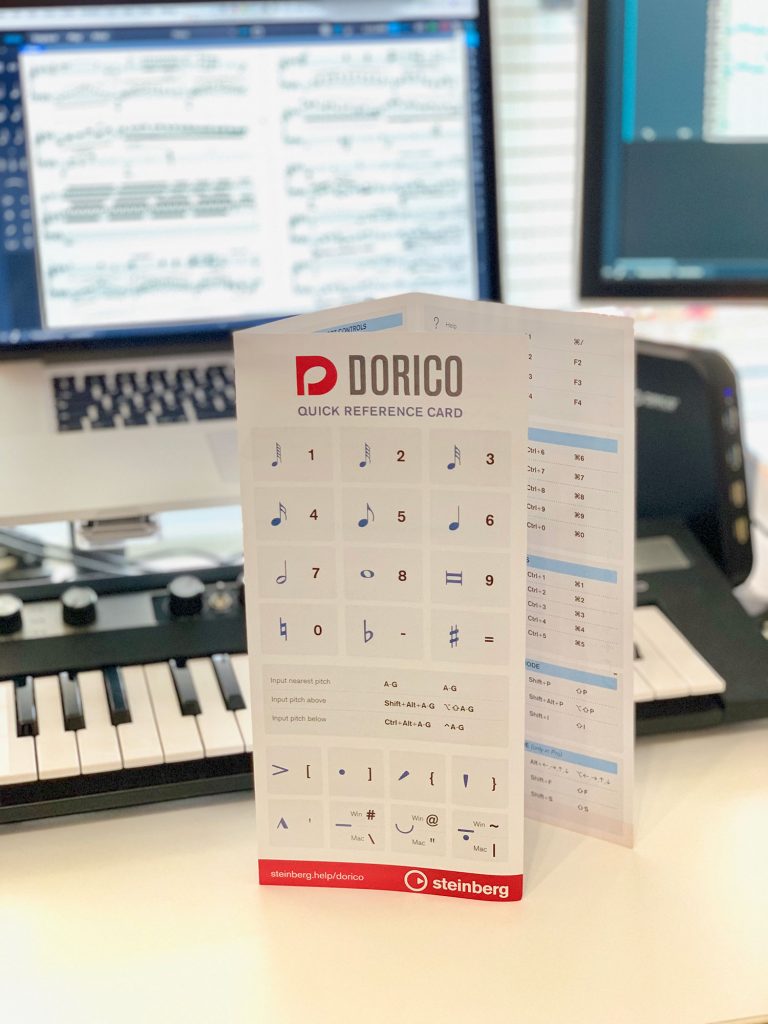
Quick Reference Cards
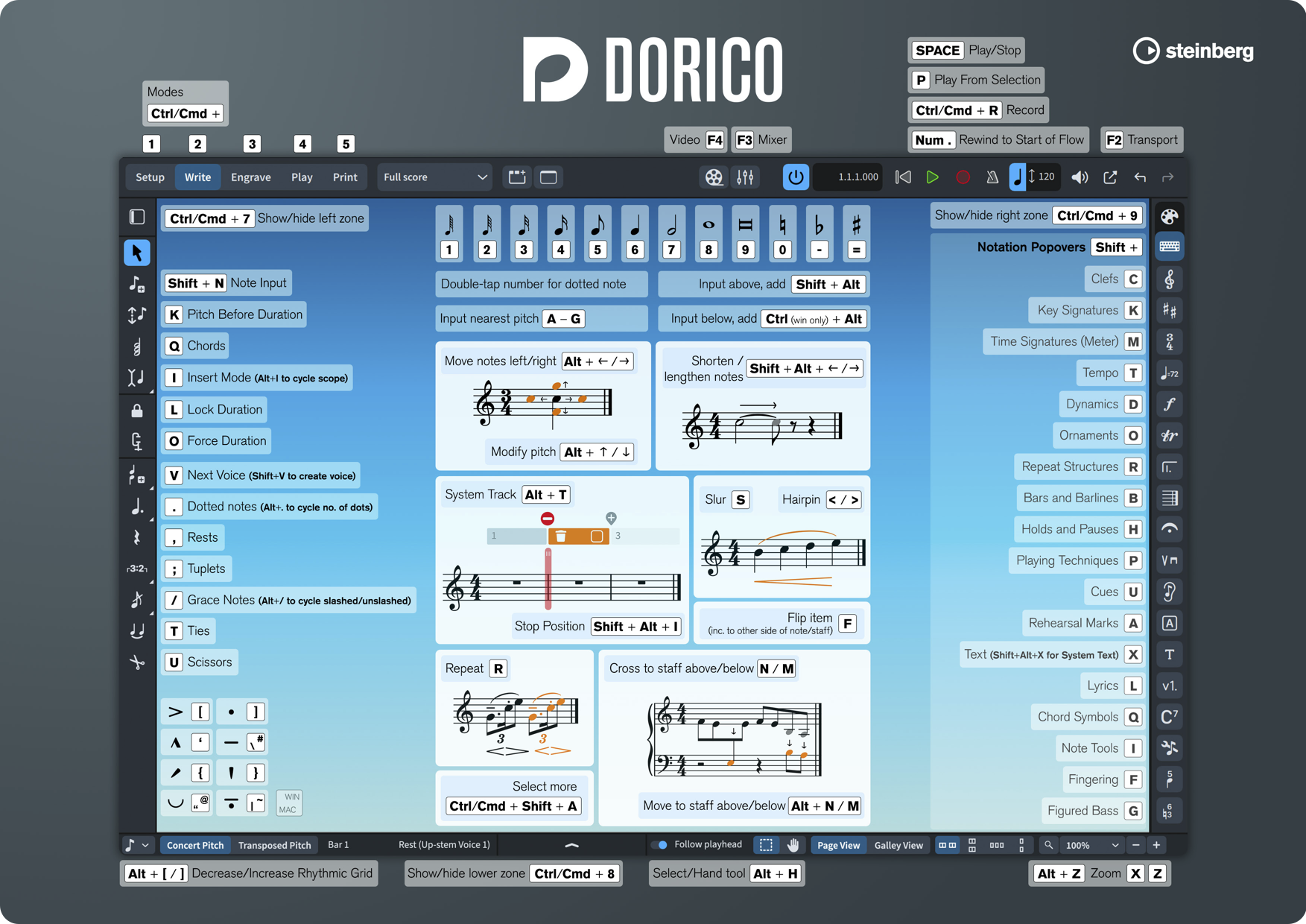
Using key commands or shortcuts for the common Dorico functions and features that you often use will really speed up your workflow.
Why not download our quick reference cards, which show lots of useful options to get you started, whether it’s for switching modes, note input, playback or engraving.Available to download in A4 or A3 poster size for a classroom wall.
Mousemat / Poster
You can also print the mousemat poster as a guide. If you find us at an event in person you might even be able to pick up an actual mousemat for your desk, so that when you reach for your mouse it’ll remind you of a quicker shortcut.
Compatible options
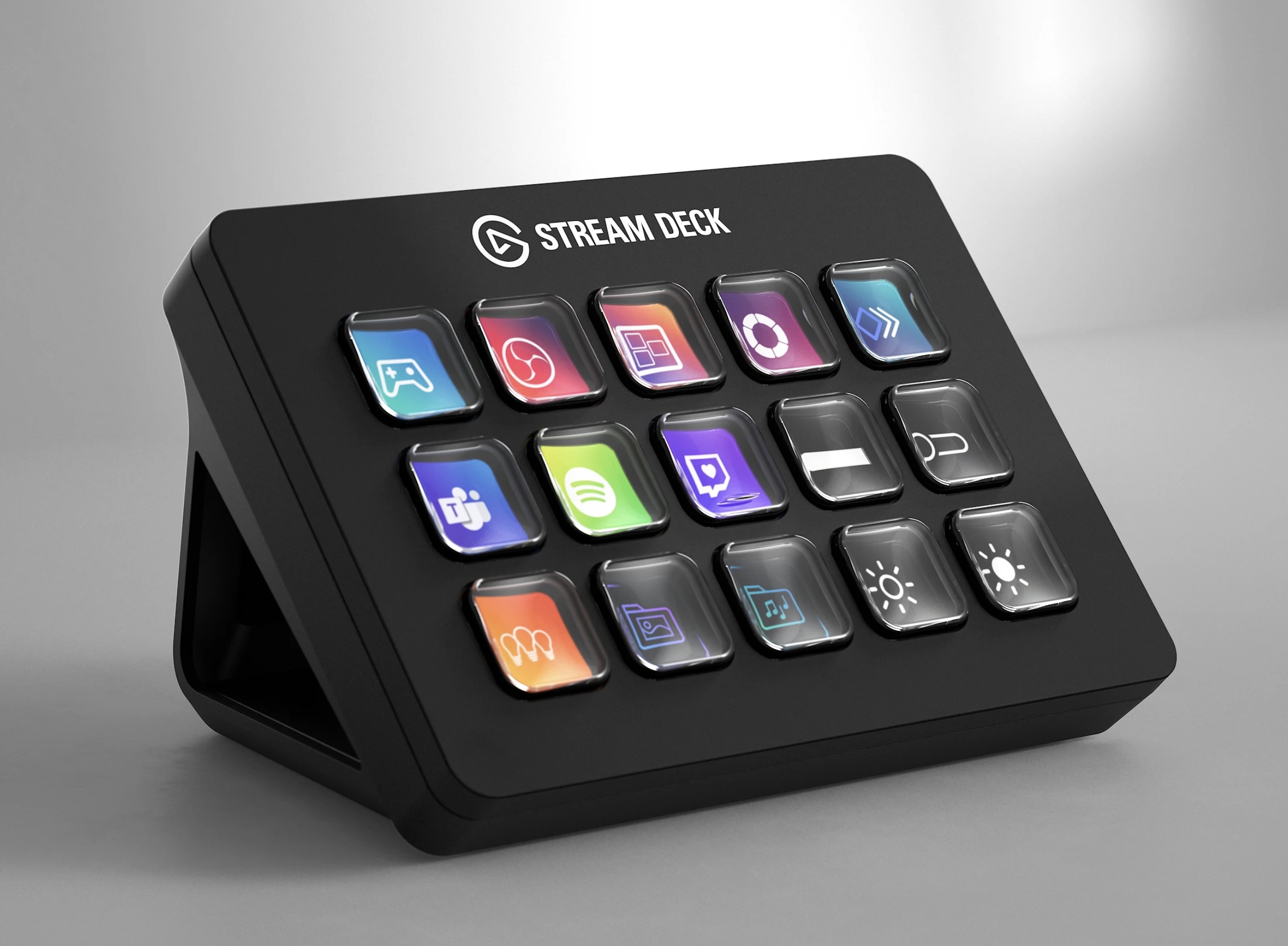
Stream Deck
The Elgato Stream Deck is a popular option if you’d like graphical shortcut buttons available on your desk at all times. They are available in various sizes and configurations.
Notation Central have made the Notation Express profiles for Stream Deck that you can purchase with all the Dorico functions you need, ready to go.
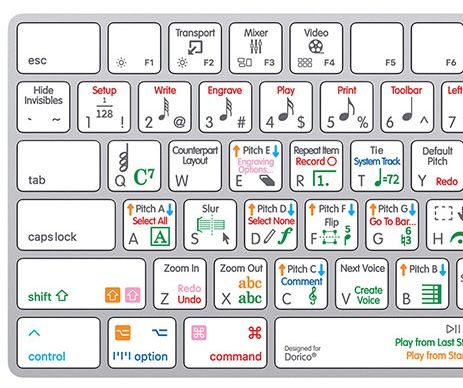
Scripting
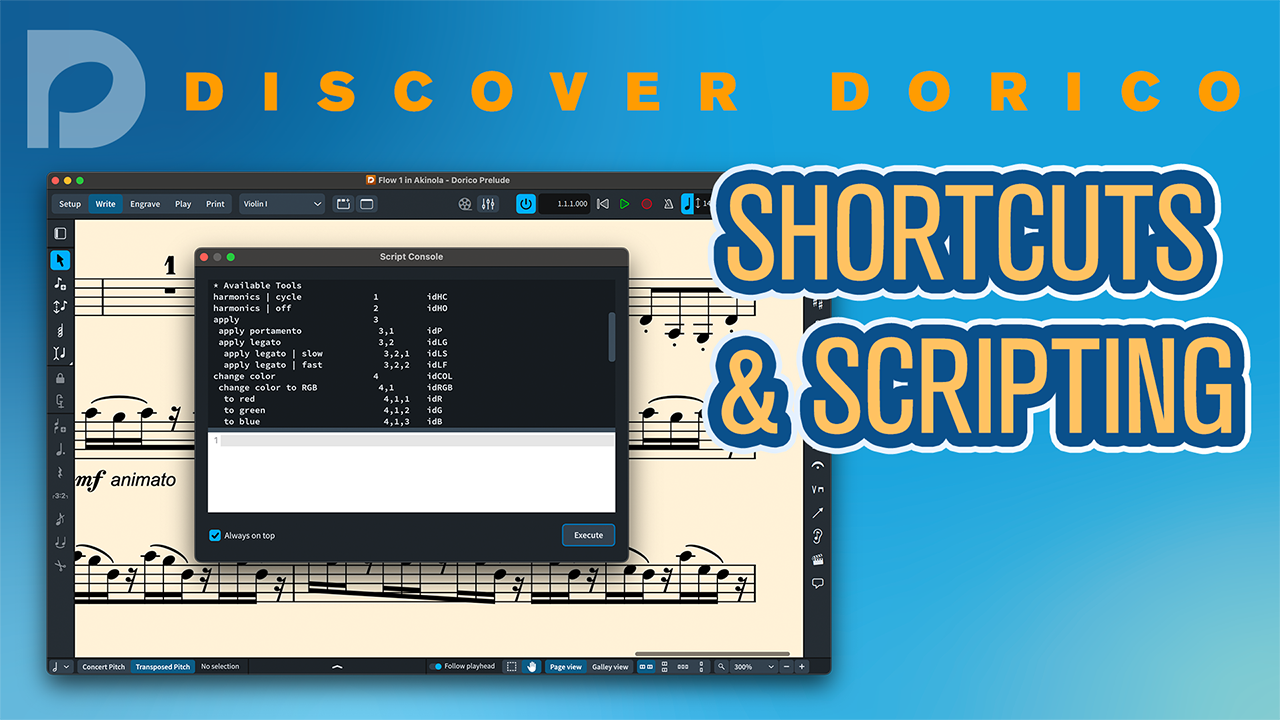
If you’d like to script various features in Dorico then you may be interested in ConsoleTools by Alex Plötz, which builds on the Lua framework and provides you with the mean to organise scripts as tools and access them via keycommands.
Courses and Training
Looking to further your Dorico knowledge?
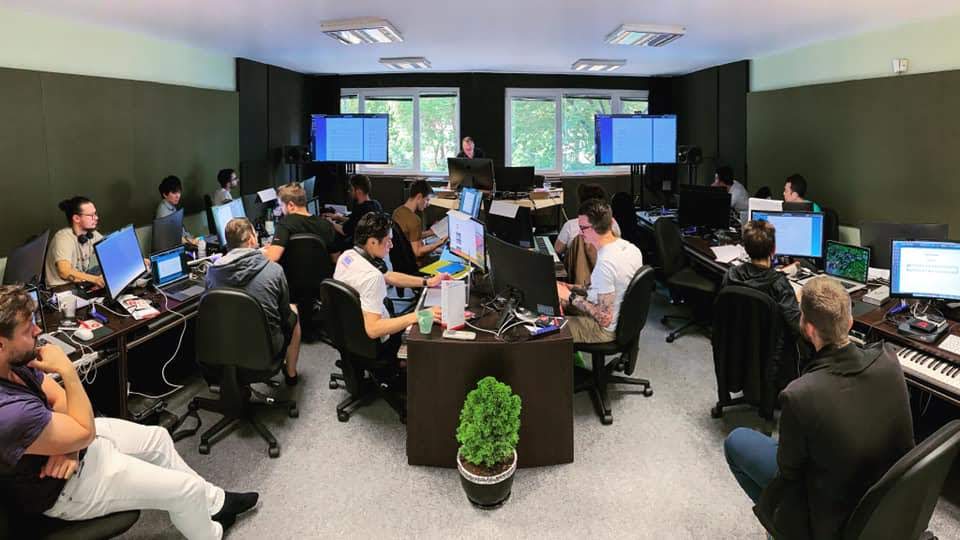
Whether you're just getting started with Dorico, looking for templates, or to increase your productivity, our Resources section has all the options you need.