
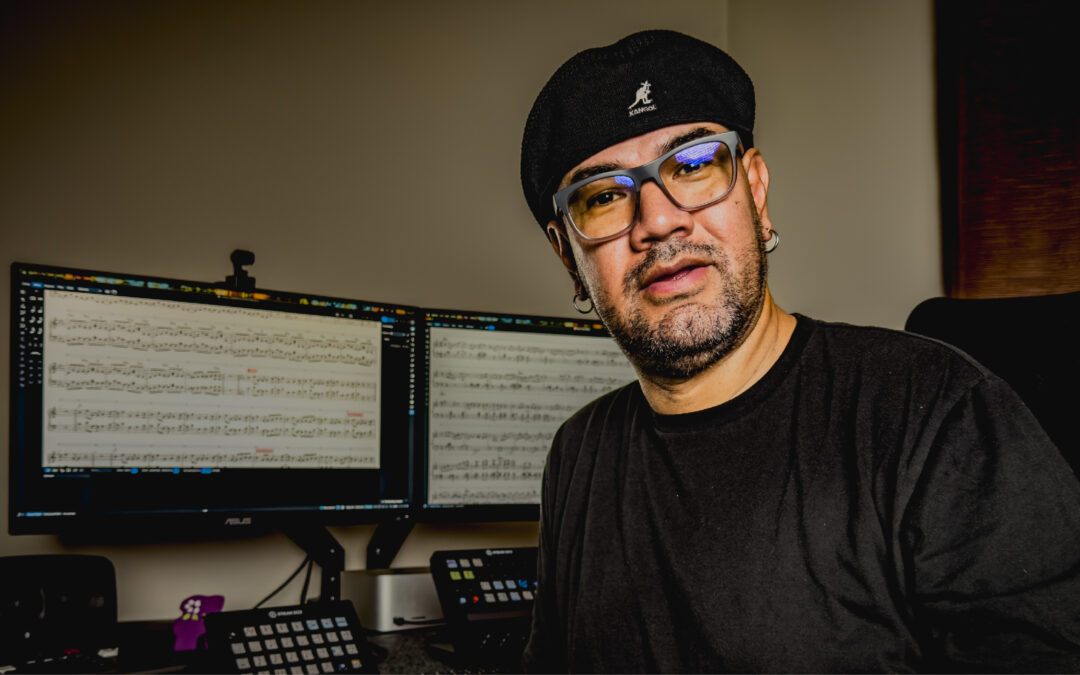
For Max Gámiz, transcription has been a passion since childhood — and today, it’s his profession. As a music transcriber at Open Studio: an Online Jazz School, Max creates transcriptions and notation for its educational content, working with music from some of the world’s leading jazz musicians. In this Dorico Showcase, Max explains how Dorico helps him with everything from complex piano parts to notation for video and social media, and shares his advice for improving transcription skills.
AN: Could you tell us a little about yourself and your role at Open Studio?
MG: Hi! I’m Max Gámiz, a musician born and raised in Durango, Mexico. I currently work as a music transcriber at Open Studio: The #1 Online Jazz School, where I’m in charge of all the transcriptions for our courses, as well as the notation featured on our social media content.
AN: How did you first get into transcription work?
MG: From a very young age, I was deeply intrigued by understanding exactly what the musicians I admired were playing. Deciphering it through transcription became an almost daily routine back then. Years passed as I transcribed to learn and practice, until it became my main line of work, and a few years ago I started doing this full-time.
AN: Open Studio’s educational content features a huge amount of notation. Can you walk us through how Dorico fits into your day-to-day workflow?
MG: Absolutely. Every course is accompanied by a workbook and transcriptions, which is always a great challenge given the complexity and mastery of the artists collaborating with Open Studio. Dorico is the perfect tool to meet these high standards. What I love most about Dorico is its clean, crisp presentation: its automatic layout engine is so smart that it handles the spacing of notes, chords, text, and symbols seamlessly, preventing anything from looking cramped or cluttered. It gives me complete confidence in my daily workflow, and whenever I need to make fine adjustments, its editing tools are incredibly precise.
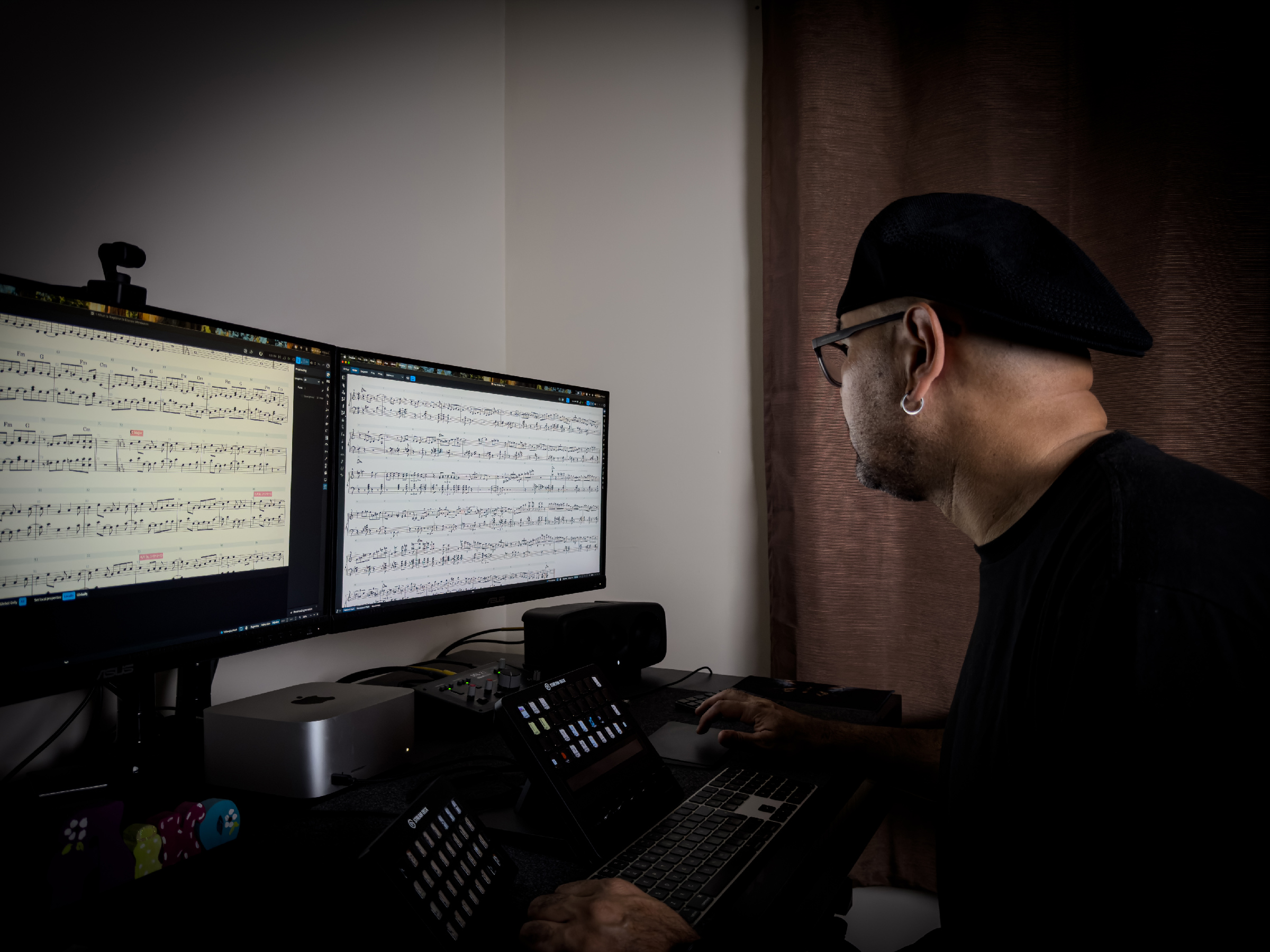
Max Gámiz working on jazz transcriptions in Dorico.
AN: Many of Open Studio’s videos and social media posts include beautifully presented notation examples. How do you use Dorico when creating visual content for educational videos and online platforms?
MG: When we started incorporating notation into our social media videos, Dorico fit right in effortlessly. The typographic clarity and visual sharpness it delivers are unmatched, which is critical considering most of this content is consumed on small mobile screens. Additionally, its integration and compatibility with platforms like Soundslice—which we use to present interactive notation on our website—works wonderfully.
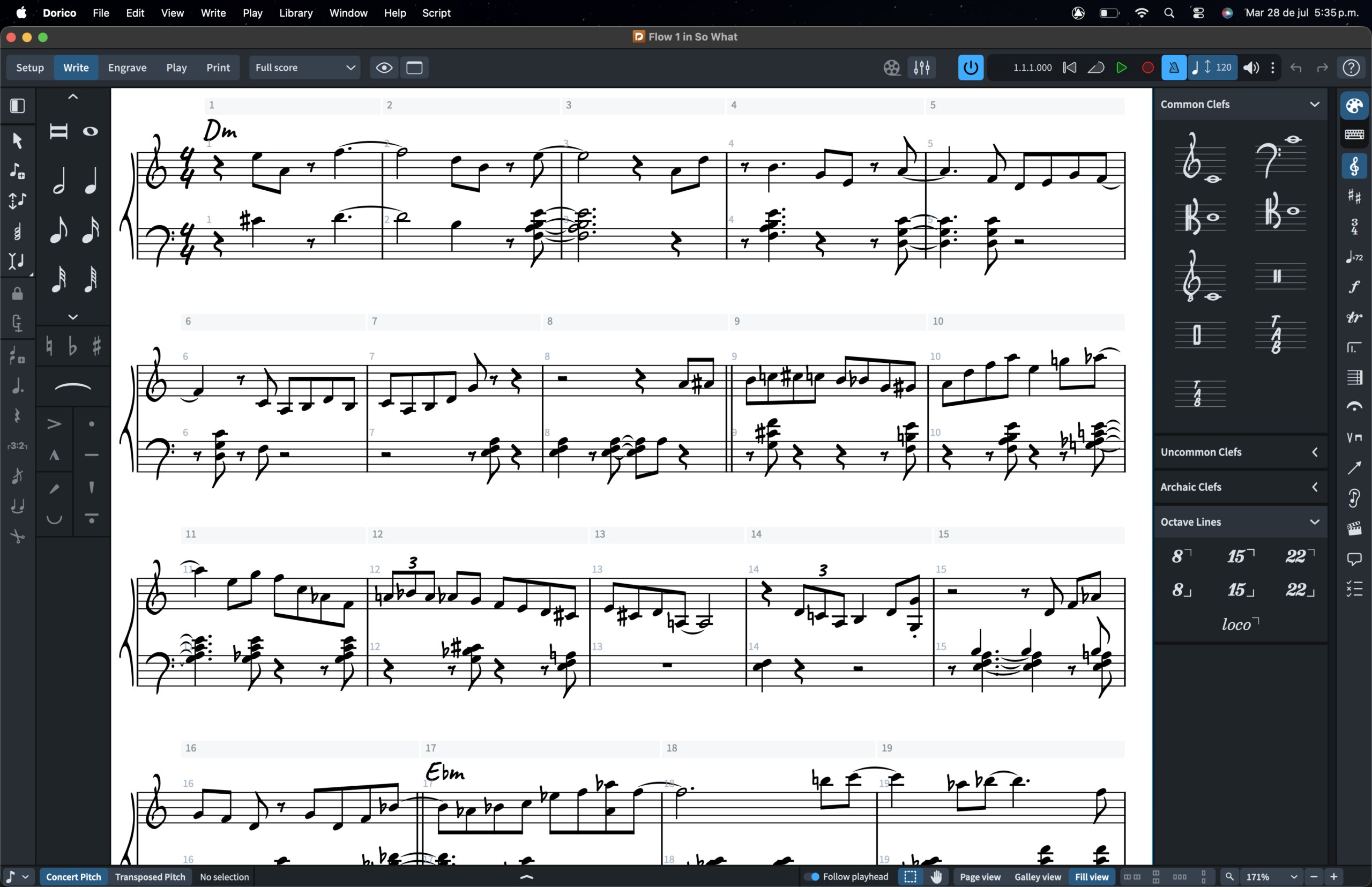
A jazz transcription project by Max Gámiz in Dorico.
AN: What are the main considerations when preparing notation that will be viewed on video or social media rather than on a printed page?
MG: Format and available space play a massive role. On social media videos, screen real estate is limited, and Dorico allows me to build custom templates specifically for this: I can easily adjust page sizes, margins, and font sizes to achieve maximum legibility. I also take full advantage of its DAW integration via VST instruments to quickly preview and sync the audio.
AN: Is there a transcription or project you’ve worked on that was particularly challenging or memorable? If so, were there any Dorico features that helped you along the way?
MG: Whenever I have to transcribe pianists of the level of Peter Martin or Sullivan Fortner, to name a few examples, Dorico becomes my best ally thanks to its advanced handling of independent voices. No matter how many voices or contrapuntal lines they are playing simultaneously, Dorico’s engine cleanly organizes stems and layers so that any student can easily read and analyze the music.
AN: For musicians who want to improve their transcription skills, what advice would you give them?
MG: Transcription is a skill that develops with consistency. I like to compare it to a sport: if you try to run a marathon on day one, you’ll end up frustrated. But if you take it step-by-step and hit smaller goals, fluency comes on its own. My advice is to start transcribing music you truly love—since you’ll be spending hours listening to it—and gradually build up complexity, step by step.
AN: As someone who uses Dorico extensively in your professional work, are there any features or workflow improvements you’d love to see in future versions?
MG: I would love to see an even deeper and more direct integration with video editing and syncing tools. While Dorico already allows you to import video and work with it, having even more intuitive and agile tempo-mapping tools to sync notation with visual clips for social media would streamline our workflow much more, without having to rely as much on external software.
AN: Thank you for taking the time to talk to me, Max!
Follow Max Gámiz on Instagram to discover more of his work, and visit Open Studio to learn more about its online jazz courses and educational resources.
Want to try Dorico yourself? Get your 60-day trial version of Dorico that will allow you to try out all of the features Dorico has to offer with no restrictions. Subscribe now and experience the future of scoring.