
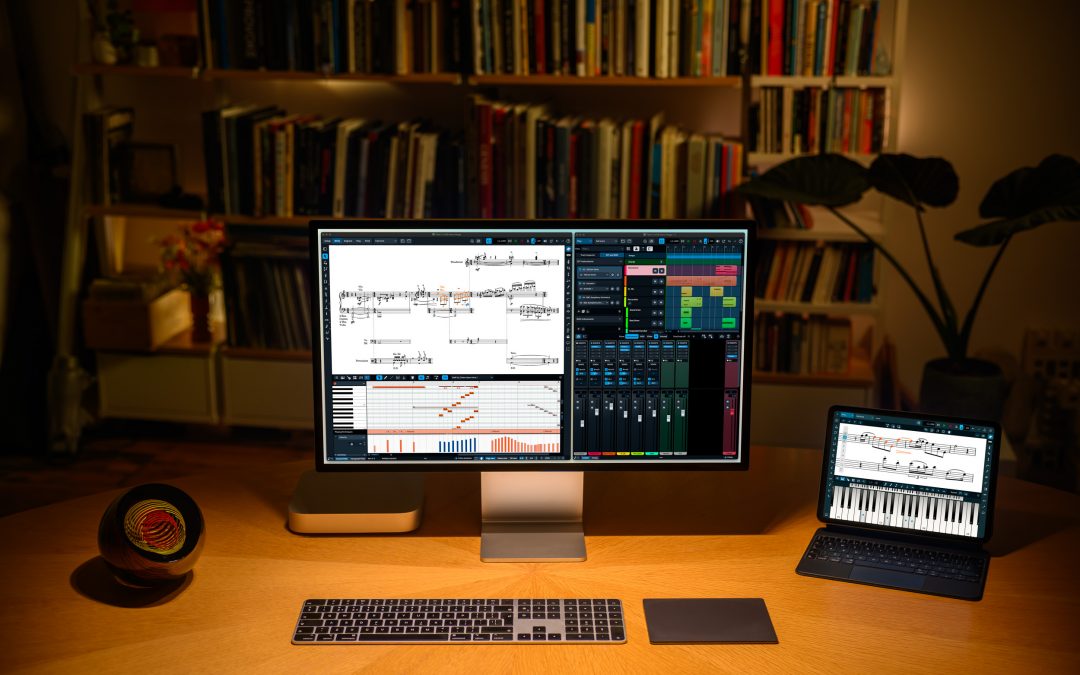
Following hot on the heels of Dorico 6.2, released two weeks ago, we are pleased to announce the release of a further minor update to Dorico 6, bringing it to version 6.2.10. This update is free to all existing Dorico Pro 6, Dorico Elements 6, and Dorico SE users, and Dorico for iPad has also been updated and can be downloaded from the App Store.
This update fixes more than 30 issues, including addressing several problems reported since the release of Dorico 6.2. However, as always, it includes a few small treats that will hopefully make Dorico a little more useful and a little more fun.
Instrument filters
Instrument filters were introduced in Dorico 4, and allow you to show only some instruments in the layout when working in galley view. A long-standing request has been to play back only the instruments that are currently shown: previously, Dorico would play back all instruments in the layout. Dorico 6.2.10 introduces a new S button to the instrument filter overlay: activate this before starting playback, and only the visible instruments will play. Changing this setting during playback won’t have any effect, as it works in a similar way to selecting music on specific staves before starting playback.
Tuplets
Another long-standing request has been for Dorico to support a different appearance for tuplet brackets: instead of showing a bracket that is effectively erased by the tuplet digits or ratio, which are vertically centred on the bracket, the bracket draws as a continuous line outside the tuplet digits. A new option has been added to the Brackets section of the Tuplets page of Engraving Options that enables this.
Panning around the score
Lots of users like to pan around the score by clicking and holding the middle mouse button (often a wheel button) to engage the hand tool, and then move the mouse to scroll through the music. This works nicely, but if you accidentally click on an item in the score (or somewhere else that changes the selection, such as a blank part of the staff), you can unexpectedly change the selection, and if you have mouse editing of notes enabled, you can even inadvertently edit the music.
To solve this, we have added a new Middle mouse button changes selection checkbox to the Note Input and Editing page of Preferences. Switch this off, and Dorico will never change the selection when clicking the middle or wheel button, allowing you to engage the hand tool without fear of accidentally changing the music.
Smart quotes
One further change to bring to your attention is that you can now specify whether or not quotation marks should be smartened in text (such as lyrics, staff labels, text frames, staff- and system-attached text, and so on) by adjusting the new Smarten quotes setting for each paragraph style in Library > Paragraph Styles.
Because of the introduction of this per-style control, the old Smarten quotes option on the Text page of Engraving Options has been removed – though this is still where the choice of which kind of smart punctuation should be used can be found.
Instrument changes
Finally, a small quality of life improvement for users working with instrument changes: a new Engrave-only Hidden property has been introduced, allowing you to specify directly that an instrument change warning or label should be hidden. Hidden labels – and those that are suppressed by way of the Custom text property, as was necessary in previous versions of Dorico – now show signposts, making it easier to find and edit them after they’ve been hidden.
Dorico for iPad
We’ve also fixed a couple of high-impact issues in Dorico for iPad. Firstly, we’ve revamped the way the Keyboard panel tracks multi-touch inputs, which greatly improves its reliability. In previous versions of the app, it was all too easy for touches to result in keys getting stuck down. This has now been solved.
Secondly, through the last few updates of the app, a persistent problem affecting working with projects saved in iCloud Drive but not in the standard Dorico folder has been troubling many users. If a project is stored somewhere other than the Dorico folder, Dorico for iPad would be unable to save the project back to that folder: a copy would be made, saved inside the application’s sandbox (so it appears under On my iPad rather than iCloud Drive), and the original file would not be updated. This too has now been fixed.
What’s next
We hope you will find these improvements and fixes useful, and that they will make using Dorico more fun and enjoyable. We are hard at work on more features, and as always we encourage you to come to the forum and give us your feedback on these changes, and others you’d like to see in future.